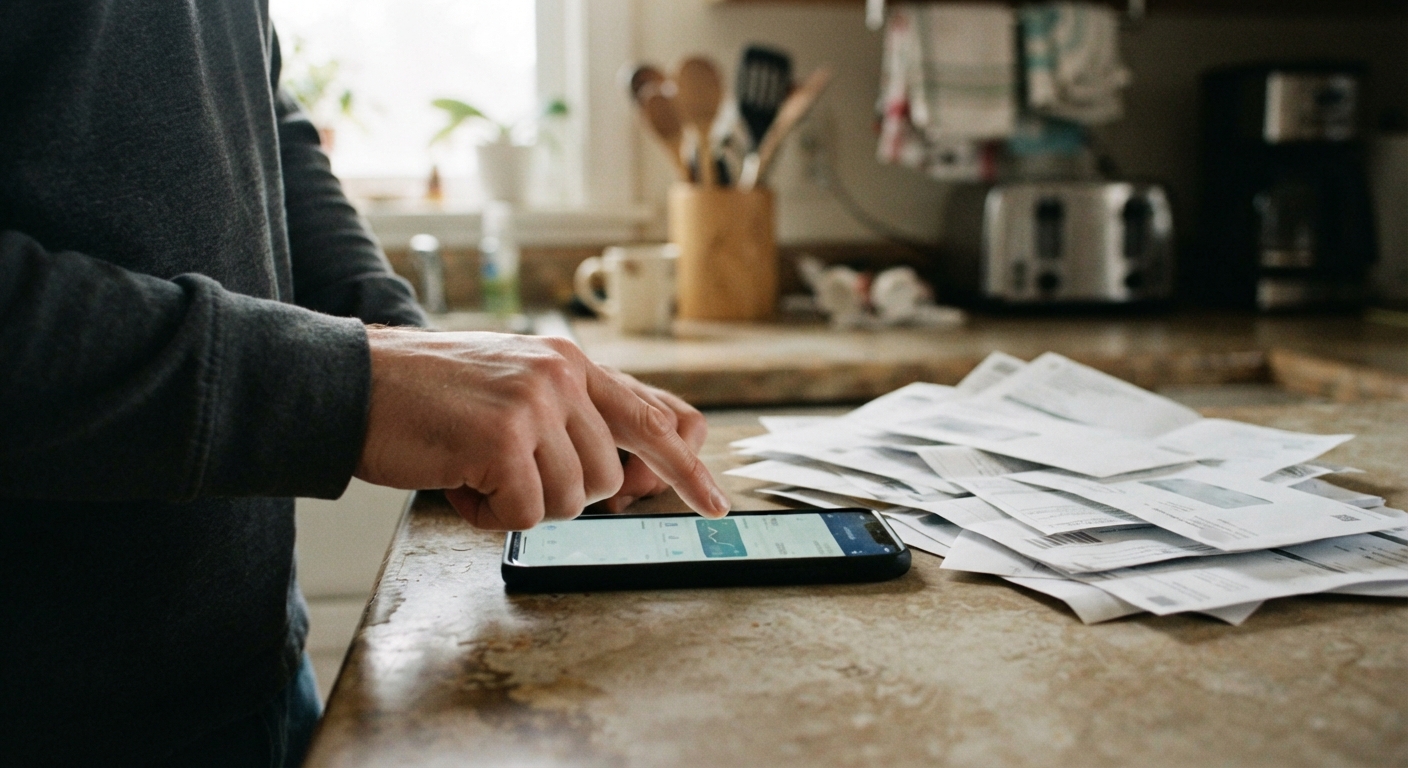
Utility companies aren’t shy about raising rates. They’re a lot quieter when it comes to the small discounts that lower your bill. The autopay and paperless billing credit is one of the best-kept not-really-secrets in household budgeting: a real, recurring discount that most electric, gas, and water providers offer, but almost none of them shout about. It’s usually worth somewhere between one and five dollars a month per account, which doesn’t sound like much until you realize it applies every single billing cycle, forever, for doing nothing more than clicking a couple of settings.
Why utilities offer these discounts and where they hide the enrollment option
Utilities offer this discount because it saves them money too. Every paper bill they mail costs them printing and postage. Every payment they process by phone, check, or in-person costs more in labor than one that runs automatically through a bank or card. When you switch to autopay and paperless billing, you’re cutting their operating costs, and the discount is their way of sharing a sliver of those savings with you in exchange for making their life easier.
The reason it’s not advertised on the homepage is simple: they’d rather you sign up because it’s “the responsible thing to do” or “better for the environment” than because it saves you money. A discount framed as an environmental choice doesn’t invite people to ask, “Wait, how much exactly, and can I get more?” So the offer usually lives a few clicks deep—inside your online account settings, in the billing preferences menu, or buried in the fine print of a rate schedule PDF that almost nobody opens. Some providers only mention it in the terms and conditions attached to your very first bill after signup, then never bring it up again.
If you’ve never gone looking for it, there’s a good chance it exists on your account and you’re simply not enrolled, or you’re enrolled in one part (say, paperless) but not the other (autopay), which sometimes means you’re only getting half the discount.
The difference between a bill credit, a rate discount, and a “discount if you don’t opt out” trick
Not all of these offers work the same way, and it’s worth knowing which kind you’re dealing with so you can check that it’s actually landing on your bill.
A bill credit is the simplest version: a flat dollar amount, often listed as a separate line item, is subtracted from your total each month once you’re enrolled. This is the easiest to verify because you can literally see it on the statement.
A rate discount works differently. Instead of a visible credit, the provider applies a slightly lower rate per kilowatt-hour, per therm, or per gallon to your usage. This one is trickier to confirm because there’s no separate line that says “discount”—you have to compare your rate against the standard published rate to see if it’s actually lower.
Then there’s the setup some providers use that flips the whole thing around: instead of rewarding you for opting in to paperless billing, they charge a small paper billing fee unless you opt out of receiving a paper statement. Functionally this ends up being the same few dollars, but psychologically it’s designed differently, and it means the “discount” might already be applied by default, or it might mean you’re being charged a fee you didn’t know about because you never went paperless. Either way, this version rewards checking your bill line by line rather than assuming.
Step-by-step: checking your account portal and past bills to see if you’re already missing it
Before you call anyone, spend ten minutes with your account portal and two or three recent bills. Here’s a simple way to walk through it.
Start by logging into your utility’s website or app and looking at your billing preferences or account settings. Look specifically for toggles labeled autopay, automatic payment, paperless billing, or e-bill. Note whether both are switched on, just one, or neither.
Next, pull up your last two or three bills, either as PDFs or through the “billing history” section of the portal. Scan the summary section at the top and the itemized charges near the bottom for anything labeled discount, credit, adjustment, or paperless. If you see a line with a small negative dollar amount, that’s likely your discount already working.
If you don’t see a credit line, check whether your account is billed at a “rate schedule” that’s different from the standard one. Some providers list the rate schedule name directly on the bill—look for anything with “auto” or “EFT” (electronic funds transfer) in the name, which usually signals the discounted rate.
Finally, compare bills from before and after you enrolled in autopay or paperless, if you can find them. A sudden small drop in your per-unit rate or a new credit line appearing right after enrollment is a good sign the discount kicked in. If nothing changed, that’s your cue to call.
How to call and ask specifically for the autopay/paperless discount by name
Customer service reps field a lot of generic questions like “can you lower my bill,” and the answer to that is usually a shrug or a transfer to a payment plan department. You’ll get further, and faster, if you ask for the exact thing by name.
Try opening with something like: “I’d like to confirm whether my account is enrolled in your autopay and paperless billing discount, and if not, I’d like to sign up for both.” Naming both programs specifically signals that you know they exist separately, which tends to get you a more precise answer instead of a vague “we don’t really have that.”
If the rep says there’s no such discount, it’s worth asking a follow-up: “Is there a reduced rate or bill credit for enrolling in automatic payments through a bank account or card?” Some providers separate “autopay” from “EFT” (direct bank draft) and offer a bigger discount for the bank draft version than for a credit card autopay, since card payments cost them processing fees. If you’re currently on card autopay, switching the draft to come from a checking account instead might unlock a slightly better discount.
Once they confirm enrollment, ask them to tell you exactly where it will show up on your next bill—a credit line, a lower rate schedule name, or a fee simply disappearing—so you know what to look for and can catch it quickly if it doesn’t show up.
Combining this with budget billing or a low-income rate program instead of picking just one
One mistake people make is treating these as either/or choices: either you sign up for the autopay discount, or you sign up for budget billing, or you apply for a reduced-rate program, as if you have to pick a lane. In most cases, these stack. They’re solving different problems, and there’s rarely a rule against layering them.
Budget billing (sometimes called equal payment plans) averages your usage over the year so you pay a steadier amount each month instead of swinging between high summer or winter bills and low shoulder-season ones. It doesn’t lower your total annual cost, but it makes the monthly number predictable, which matters a lot if your income is fixed or uneven. This can run alongside autopay and paperless billing without any conflict—you’re just averaging the payment amount that then gets discounted and auto-drafted.
A reduced-rate or lower-income rate program, where it exists, adjusts the actual rate you’re charged based on household size and income. This is a separate mechanism from the autopay discount, and in most cases enrolling in one doesn’t disqualify you from the other. If you’re already on a reduced rate, it’s still worth asking whether the autopay/paperless discount applies on top of it, because the answer is usually yes.
The habit worth building here is to think of your utility bill as a stack of small levers rather than one fixed number. Ask about each lever separately—payment method discount, billing schedule option, and rate program—rather than assuming the first “yes” you get is the only saving available.
A quick checklist to re-check annually since some providers quietly end or change the offer
These discounts aren’t permanent fixtures. Providers change their billing systems, merge with other companies, or quietly phase out a promotion, and when that happens, the discount can vanish from your bill without any notice beyond a line in the fine print that nobody reads. Since you won’t get a heads-up, put a reminder on your calendar—tied to when your provider typically sends its annual rate change notice, or simply once a year around the same month—to run through this short list:
Check that autopay is still drafting from the right account or card, especially if you’ve switched banks or gotten a new card number, since a failed autopay attempt can silently cancel both the payment and the discount.
Look at your last bill for the discount line or reduced rate schedule name to confirm it’s still there and still the same amount it was last year.
Compare your per-unit rate against the current standard rate listed on the provider’s rate schedule page, since discounts are sometimes reduced during a broader rate increase without a separate announcement.
Ask, while you’re already on the phone for something else, whether there are any new discount programs, since providers sometimes add these quietly and don’t backfill them onto existing accounts automatically.
None of this takes more than a few minutes once a year, and it’s the kind of small, boring maintenance that keeps a few extra dollars in your pocket every single month without you having to change how you actually pay your bills.