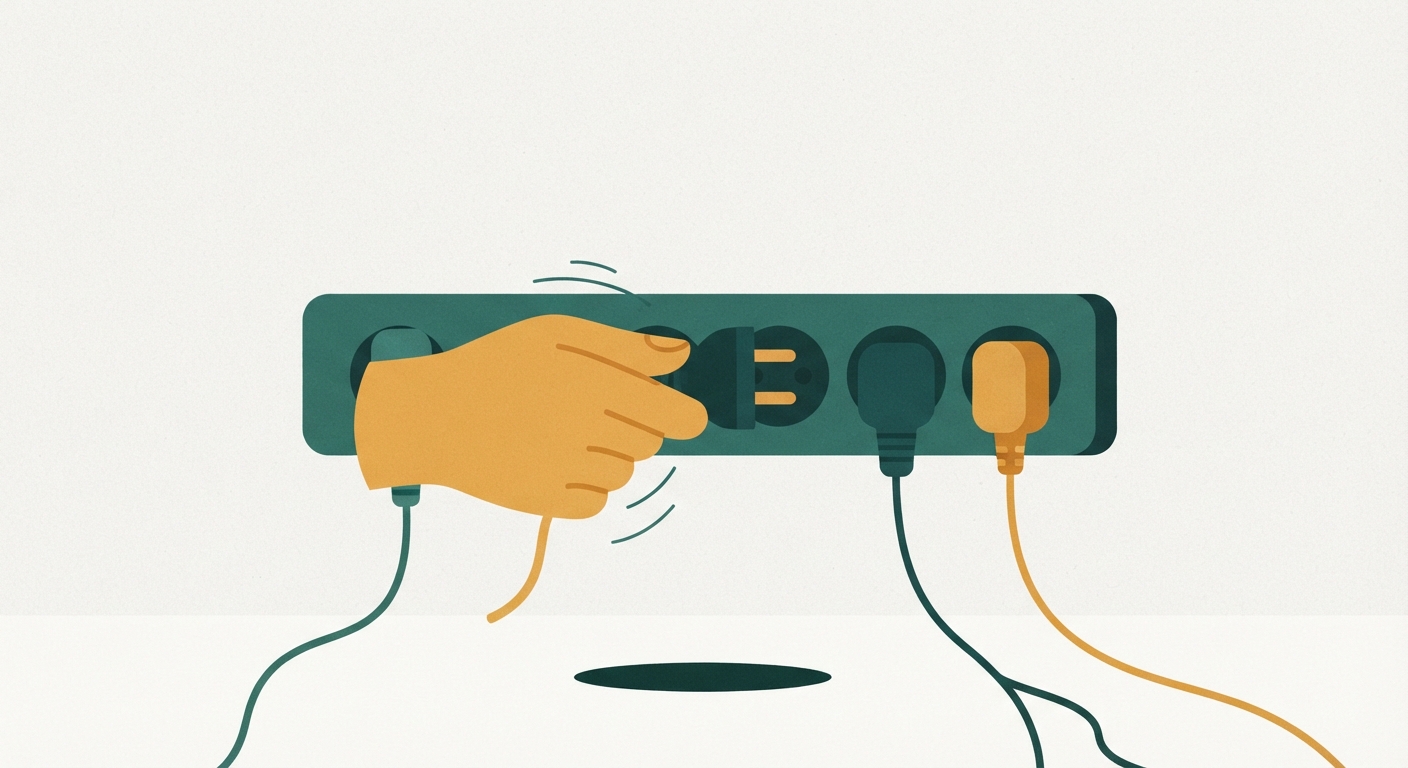
Every household has a few watts of electricity leaking out of the walls right now, even with nothing turned “on.” It’s called standby power, or phantom load, and it’s the electricity your gadgets and appliances pull just by being plugged in and waiting for you to use them. Your cable box is quietly keeping its clock and guide data current. Your phone charger is warm to the touch even with no phone attached. Your microwave’s little display clock never actually shuts off. None of these things are broken or malfunctioning — this is just how a lot of modern electronics are built. They’re designed to respond instantly when you hit a button, and that instant response requires a trickle of power running through them around the clock.
On its own, one phantom load is small. A single charger might use a fraction of a cent per day. The problem is that the average home has dozens of these small draws running at once, and they add up the same way loose change in a jar adds up — you don’t notice it going in, but eventually there’s real money sitting there. For a lot of households, phantom power accounts for a noticeable slice of the electric bill every single month, whether anyone is home or not, whether it’s a heavy-use month or a quiet one. It’s the part of your bill that doesn’t change no matter how careful you are about turning off lights, which is exactly why it feels like a mystery charge you can’t explain.
The good news is that phantom load is one of the few household costs you can actually see and touch. It’s not hidden in a rate structure or buried in a contract. It’s sitting in your living room, your kitchen, and probably your garage, plugged into the wall right now.
The usual suspects
Some devices are far worse offenders than others, and it helps to know where to focus your energy instead of unplugging every single thing in the house.
Game consoles are one of the biggest culprits, especially if they’re set to a “quick start” or “instant on” mode so they boot up faster. That convenience comes at the cost of the console staying partially awake all day and night. Cable and satellite boxes are similar — they’re often pulling nearly as much power sitting idle as they do when you’re actually watching something, because they’re constantly downloading guide updates in the background.
Chargers are sneaky because there are so many of them. Phone chargers, tablet chargers, laptop bricks, electric toothbrush stands, video game controller docks — each one draws a small amount of power even with nothing attached, and most households have far more of these plugged in than they realize.
Small kitchen appliances with a clock or display are also worth a second look. Coffee makers, microwaves, and toaster ovens with digital clocks are drawing power to keep that display lit and that clock accurate every second of the day, even though you only use the appliance for a few minutes.
And then there’s the appliance that quietly costs more than almost anything else on this list: the second fridge or freezer in the garage or basement. Older backup fridges are often far less efficient than anything sold today, and if they’re only holding a few items, the cost of keeping that unit running around the clock can outweigh the convenience of having it.
A room-by-room walkthrough
You don’t need any special equipment to find most of your phantom loads. A slow walk through your home with a notepad or your phone’s notes app will get you most of the way there.
Start in the living room. Look at your TV, cable box, game console, sound bar, streaming device, and any chargers plugged in near the couch. Touch each device — if it’s warm, it’s drawing power. Note anything with a small light on it, since a lit indicator almost always means the device is drawing at least a trickle of electricity even when it looks off.
Move to the kitchen next. Check the coffee maker, microwave, toaster oven, and any small appliance with a digital display or clock. Open the garage or basement and take stock of any second refrigerator or freezer — check how full it actually is and how old it looks, since older units tend to be the least efficient.
Head into the bedrooms and home office. This is usually where the highest concentration of chargers lives: phone chargers left in the wall, laptop chargers, tablet chargers, gaming headset docks, and power strips behind the desk that never get switched off. Bathrooms are worth a quick check too, particularly for electric toothbrush chargers and hair tool docking stations.
As you go, make a simple list: room, device, and whether it’s warm or has a standby light. You’re not trying to catalog every single outlet in the house — you’re trying to build a short list of the five or six worst offenders so you know exactly where to focus your effort.
Cheap smart plugs and power strips that do the work for you
Once you know which devices are the worst offenders, the easiest fix is often a smart plug or a power strip with a master switch, rather than remembering to unplug things by hand every day.
A basic smart plug lets you put one device — say, the coffee maker or a lamp — on a schedule or a remote on/off switch through an app. These are useful for anything you use at predictable times, like a coffee maker that only needs to be powered on in the morning, since the plug can cut power to it completely for the other twenty-three hours of the day.
A power strip with a master switch is even simpler and doesn’t require any app or setup. You plug your TV, cable box, game console, and streaming device all into the same strip, and when you’re done for the night, you flip one switch and everything on that strip goes fully dark instead of sitting in standby. This is especially useful for entertainment centers, since so many of the worst phantom-load devices tend to be clustered in one spot behind the TV anyway.
Some smart power strips go a step further and can sense when a “main” device — like a TV — is turned off, and then automatically cut power to everything else plugged into the strip, like the console and sound bar, without you having to flip anything. These cost a bit more but remove the need to remember at all, which matters if forgetting to flip a switch is the reason your old habits didn’t stick.
The one appliance that usually deserves a different kind of decision, rather than a smart plug, is the second fridge. If it’s old and mostly empty, the honest math often favors retiring it rather than automating it, since no amount of scheduling changes how much power an inefficient compressor pulls just to keep an empty box cold.
What this actually saves, and how to track it
It’s worth being honest about scale here. Cutting phantom load is not going to cut your electric bill in half. What it does is shave a real, recurring amount off a bill that otherwise never seems to move no matter what you do. For most households, tackling the handful of worst offenders — the entertainment center, the chargers, and especially an old second fridge if you have one — adds up to a modest but genuinely noticeable reduction over the course of a month. It’s the kind of savings that won’t show up as a dramatic drop on one bill, but will show up clearly if you compare the same month this year to the same month last year, once the new habit has had time to settle in.
The best way to actually see whether it’s working is to track it the boring, reliable way: write down your electric usage — not just the dollar amount, but the actual kilowatt-hour number — from your bill each month, and keep a running list. Most utility bills print this number clearly, and many utility websites let you see a rolling history of it. Because usage swings with weather and season, don’t compare January to July. Compare this January to last January, or look at your last three bills since you started unplugging things and see if the trend line is moving down even slightly.
If you want a clearer read before a full billing cycle passes, some smart plugs will show you real-time or cumulative usage for whatever’s plugged into them, which can be a satisfying way to confirm that yes, that game console really was pulling power all night, and yes, the power strip is actually working.
None of this requires buying anything expensive or overhauling how you live. It’s a slow walk through your own house, a short list of the worst offenders, and one or two small purchases that do the remembering for you. The mystery charge on your bill isn’t really a mystery once you go looking for it — it’s just electricity, quietly waiting in the walls for you to notice.