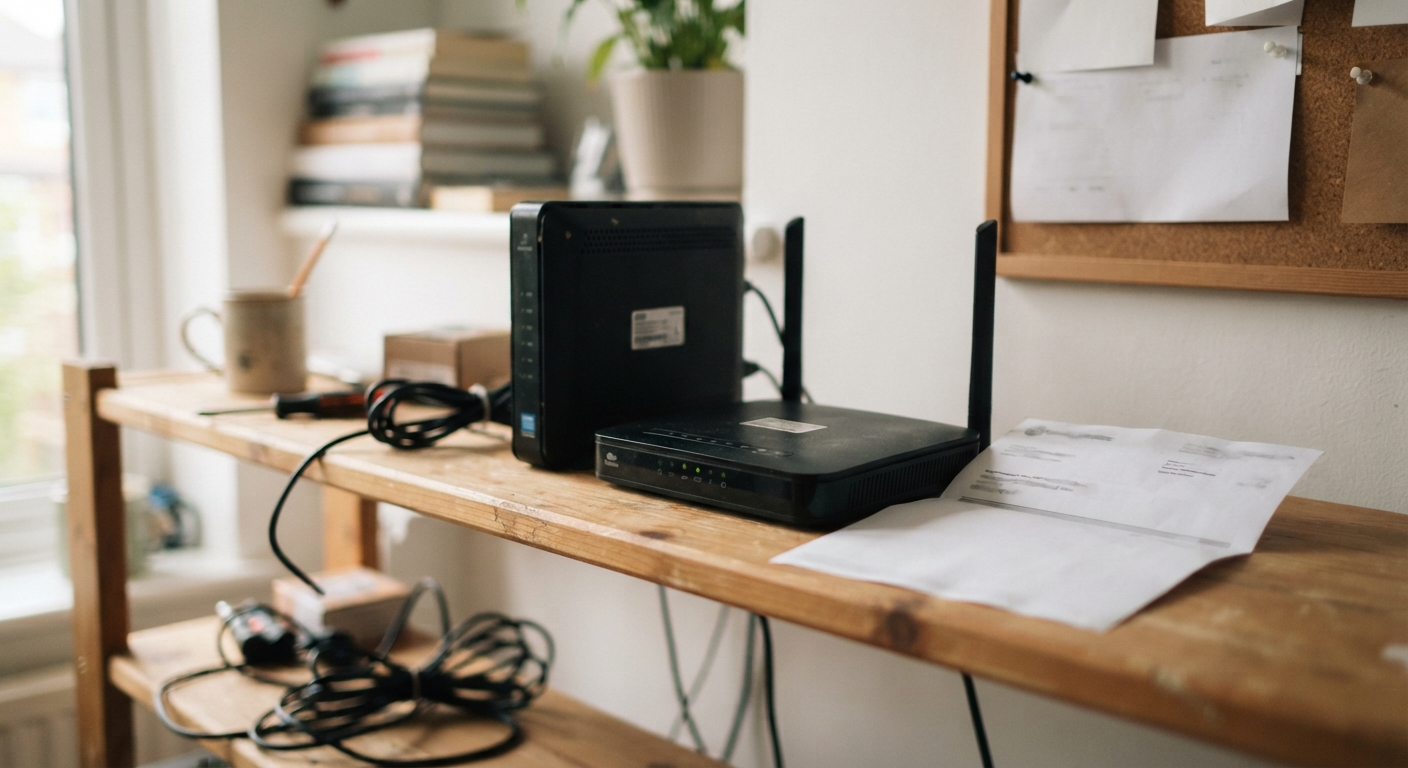
How to spot the equipment rental line item on a typical bill
Pull up your most recent internet bill, either the paper copy or the PDF you can download from your provider’s website. Skip past the big total at the top and look for the itemized section, usually a few lines down, where the bill breaks out what you’re actually paying for. You’re looking for words like “equipment rental,” “modem lease,” “WiFi gateway fee,” “router rental,” or sometimes just “equipment.” Some providers bundle it into something vaguer like “additional services” or “other charges,” so if you don’t see it spelled out, check any line that doesn’t obviously match your internet plan or promotional rate.
The amount is usually somewhere between $10 and $15 a month, though some providers charge less and a few charge more if you’re renting a combined modem-router-WiFi extender setup. It’s easy to miss because it’s often folded into your total and you stopped scrutinizing the bill once the number looked roughly like what you expected to pay. That’s the whole point of these fees from the provider’s side: they’re small enough to not trigger a phone call, but they add up quietly every single month you have service.
If you genuinely can’t find it listed, call the number on your bill and ask directly, “Am I currently renting my modem or router from you, and if so, how much am I paying for that each month?” They have to tell you. Write down the exact monthly amount, because you’ll want it later when you calculate how much buying your own equipment would actually save you.
The real cost difference between renting for years versus buying your own modem/router combo
Here’s the part that makes this worth twenty minutes of your time. A rental fee of $10 to $15 a month doesn’t sound dramatic, but multiply it by twelve months and you’re looking at $120 to $180 a year, just for the box sitting in your closet or on your entertainment center. Multiply that by three, four, or five years, which is roughly how long most households keep the same provider before moving or switching, and you’re well past the cost of buying two or three decent modem-router combos outright.
A modem-router combo that’s compatible with most major cable providers typically costs somewhere in the range of a modest one-time purchase, and once you own it, you pay it exactly once. There’s no recurring charge, no line item, nothing that creeps back onto your bill next month or next year. Compare that single purchase to a rental fee that never stops as long as you have service, and the math tips heavily in favor of buying after roughly six months to a year of ownership, depending on the exact equipment cost and your specific rental fee.
The other advantage that doesn’t show up in the math but matters in daily life: equipment you own tends to get replaced when you decide it needs replacing, not when the provider decides to upgrade their fleet and quietly bumps your rental fee for a “new and improved” unit you didn’t ask for. Owning your equipment also means when you move or switch providers, you’re not scrambling to return a box before a return-fee deadline, which we’ll get to later in this article.
How to confirm which equipment models are compatible with your provider before buying
Before you buy anything, you need to know two things: what internet speed tier you’re paying for, and which specific modem or modem-router combo models your provider has approved for use on their network. Skipping this step is the single most common mistake people make, and it leads to buying a modem that either doesn’t work at all or caps your speed well below what you’re paying for.
Start by checking your provider’s website for a page usually titled something like “approved devices” or “compatible modems.” Nearly every major cable and fiber provider maintains one, though it’s sometimes buried a few clicks deep under a “support” or “equipment” menu. This list will show you exact model numbers, and it often separates them by speed tier, so make sure you’re looking at models rated for your specific plan and not just any device on the list. A modem rated for a lower speed tier than what you’re paying for will bottleneck your connection even if everything else is working fine.
If you can’t find the list online, call customer service and ask, “Can you tell me which modem models are approved for my current internet plan?” Ask them to either read off a few model numbers or, if possible, email or text you the list so you have it in writing. This also protects you if there’s ever a dispute about whether your equipment is “supported” down the line.
A few practical notes on buying: look for a modem-router combo (sometimes called a gateway) if you want everything in one box, which is usually what providers rent out anyway. Buy new or from a reputable seller with a return policy, since a secondhand modem with hidden wear can cause more headaches than it’s worth. And once you have it, register it with your provider before your rental unit gets disconnected, so there’s no gap in service. Most providers let you do this through their website or app by entering the new device’s serial number and MAC address, both of which are printed on a label on the device itself.
Scripting the call to request the fee be waived if you supply your own equipment
Once you’ve either bought your own equipment or decided you want to negotiate the fee down before committing to a purchase, it’s time to call. A few things make this call go faster and get you a better outcome: know your account number, have your last bill in front of you, and know the exact rental fee amount you’re asking them to remove.
Start simply and stay friendly, because the person on the other end has more flexibility than their opening script suggests, and being pleasant tends to get you routed to “yes” faster than being frustrated, even if the frustration is fair. Try something like this to open:
“Hi, I’m looking at my bill and I see I’m being charged an equipment rental fee of about [exact amount]. I’ve bought my own modem and it’s already set up on my account, so I’d like to have that rental fee removed, please.”
If you haven’t bought equipment yet and you’re calling to ask what would happen if you did, you can say something like:
“I’m considering buying my own modem instead of renting from you. Can you confirm that would remove the equipment rental fee from my bill, and let me know if there’s anything else I need to do on my end to make that switch?”
If the first representative says the fee can’t be removed, don’t argue, just ask politely to be transferred: “I understand. Would you mind connecting me with someone in retention or billing who might be able to help with this?” Retention teams, the department that handles people who are thinking about canceling, generally have more authority to adjust fees than the first person who answers a general customer service line. You are not threatening to cancel, you’re simply asking for the right department, and that’s a completely normal, low-friction request.
Once someone agrees to remove the fee, ask them to confirm three things before you hang up: the exact date the fee will stop appearing on your bill, whether it will apply to your very next bill or the one after, and ask for a confirmation number or the representative’s name for your own records. Then check your next bill to make sure it actually happened, because sometimes it takes a billing cycle to catch up, and occasionally it just doesn’t happen the first time and you need to call back.
How to return rented equipment properly so you’re not charged for it after switching
If you’ve been renting equipment and you’re switching to your own, or you’re leaving the provider altogether, returning the rented box the right way matters just as much as everything above. Providers routinely charge an unreturned equipment fee that can run well over a hundred dollars, and that fee shows up weeks or even months after you thought you were done with them, often as a surprise charge on a final bill or a separate charge to whatever payment method they have on file.
First, ask specifically how they want the equipment returned. Some providers require you to drop it off at a retail store location, others send a prepaid shipping box or label, and a few will send a courier to pick it up. Don’t assume; ask directly, “What’s the process for returning my rental equipment, and is there a deadline I need to meet?” Write down that deadline, because most providers give you a window, often around two to three weeks, before the unreturned fee kicks in automatically.
If you’re mailing it back, use the shipping method they provide and always keep the tracking number. Take a photo of the device’s serial number and a photo of it packed in the box before you seal it, and keep those photos somewhere you won’t lose them, like a note on your phone or an email you send to yourself. If you’re dropping it off in person at a store, ask for a printed or emailed receipt that specifically states the equipment was received, not just a general receipt for being in the store.
Follow up. About a week after your deadline, check your account online or call to confirm the equipment shows as received in their system. This single extra step catches the vast majority of unreturned equipment fee disputes before they ever become a fee at all, because you’re closing the loop instead of assuming the mail did its job. If a fee does show up despite your return, that tracking number or in-store receipt is exactly what you need to get it reversed, so don’t discard that proof until you’ve seen a final, fee-free bill.
None of this takes more than an afternoon spread out over a few days: a few minutes to spot the fee, some time to check compatible equipment, a phone call to negotiate or confirm the switch, and a little diligence on the return. For a fee that quietly costs well over a hundred dollars a year for as long as you don’t deal with it, that’s a pretty good use of an afternoon.