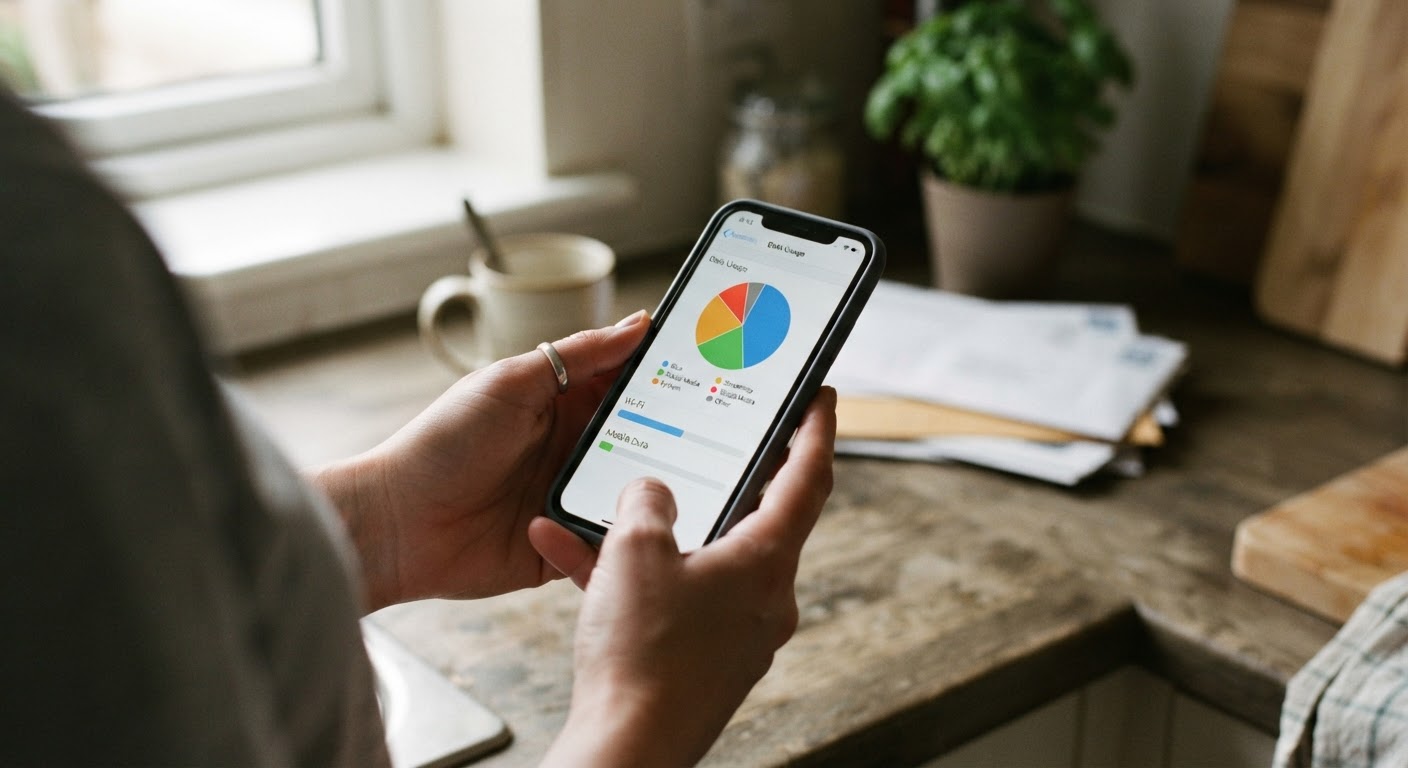
Checking real usage numbers in your router and phone settings
Before you call anyone to downgrade a plan, spend fifteen minutes with your router and your phone. The numbers you need are already sitting there, and they’re more honest than any guess you’ll make about “we use a lot of internet” or “the kids are always on their phones.”
Start with your home internet. Most modern routers, and almost every router provided by an internet company, have a usage dashboard buried in the settings app or the web admin page. Log in, look for something labeled “data usage,” “monitoring,” or “usage stats,” and you’ll usually find a monthly total along with a breakdown by day. If your router doesn’t track this, your internet provider’s own app almost certainly does, since they use it to enforce data caps and bill for overages. Pull up the last two or three full billing cycles, not just one, because usage swings around school breaks, holidays, and whether someone was home sick for a week.
Then do the same thing on phones. Every smartphone has a built-in data usage screen. On most phones it’s under a “network” or “connections” menu, and it will show total cellular data used this cycle, plus a per-app breakdown. Check this on every phone on the family plan, not just your own. Write the numbers down somewhere, even if it’s just a note on your phone, because you’ll want to compare them against a bill later.
What you’re looking for is simple: how much data does this household actually move in a month, on Wi-Fi and on cellular, separately. That single number is the foundation for everything else in this article. Guessing gets people locked into plans that are too big out of fear, or plans that are too small because they never checked and got burned once years ago.
Spotting which household member or device is the real data hog
Once you have a household total, break it down by person and by device. This is where the surprises usually show up. Most families assume the teenager with the phone glued to their hand is the problem, and sometimes that’s true, but just as often it’s a smart TV running in the background, a video doorbell uploading clips all day, or a work laptop syncing large files overnight.
On the router dashboard, look for a “connected devices” or “clients” list. Many routers will show data used per device over the current period, labeled by device name if you’ve named them, or by device type if you haven’t. If your list is a jumble of unnamed devices, take a few minutes to log into your router settings and rename them as you identify them, streaming stick, kid’s tablet, laptop, printer. This one small chore makes every future check much faster.
Streaming is almost always the biggest chunk of home internet usage, and it’s worth checking whether anyone in the house is streaming in a higher quality setting than they need. Most streaming apps let you set a default video quality, and dropping from the highest setting to a standard or “data saver” setting can cut the data used per hour of video substantially, often without a noticeable difference on a normal television or phone screen.
On cellular, the per-app breakdown will usually point straight at the culprit. Video and social media apps that autoplay video are common offenders. Cloud photo backup is another sneaky one, especially if a phone is set to back up over cellular data instead of waiting for Wi-Fi. Check each phone’s backup and sync settings and make sure anything heavy, photo backups, app updates, video uploads, is set to only run on Wi-Fi. This single setting change has quietly saved plenty of families from bumping up to a bigger, more expensive data tier they didn’t actually need.
Matching your plan tier to actual monthly usage, not guesswork
Now compare your real numbers against what you’re paying for. Pull out your most recent internet and phone bills and find the plan details, specifically the speed tier for internet and the data allowance for cellular. Most people have no idea what tier they’re on because they signed up years ago and never looked again.
For home internet, speed tiers are about how fast data moves, not how much you can use in a month, though some providers do cap total usage too. If your household usage dashboard shows you rarely if ever come close to your monthly cap, and your everyday activities, streaming, video calls, browsing, gaming, aren’t lagging or buffering, you are very likely paying for more speed than your household needs. A lot of families end up on a high-speed tier because it was recommended when they signed up for a bundle, not because anyone measured what the house actually required.
A rough way to think about it: if you’re mostly browsing, doing video calls, and streaming on one or two devices at a time, a mid-tier speed plan handles that comfortably for most households. If you regularly have several people streaming simultaneously, doing online gaming, or working from home with large file transfers, a higher tier makes more sense. The point isn’t to memorize a formula, it’s to match the plan to what your usage dashboard has already shown you, over multiple months, rather than what a sales rep suggested.
For cellular, line up each phone’s actual monthly data use against the plan’s allowance. If every line on your family plan is using half or less of the allotted data most months, you’re likely paying for a bigger bucket than you need. If one line is constantly near or over its share while others barely use any, that’s useful information too, it might mean shifting to a plan structure that pools data across the family instead of splitting it evenly, so the heavy user and the light user balance each other out.
When a lower speed tier costs nothing in practice
People hesitate to downgrade speed because they picture a household internet slowdown, everyone staring at a spinning wheel during movie night. In practice, for most homes, dropping a speed tier changes nothing you’d notice day to day, because the activities that actually strain a connection are rarer than people think.
Basic browsing, email, video calls, and standard-definition or even high-definition streaming don’t require nearly as much speed as people assume. Where speed really matters is when many devices are pulling data at the same exact moment, several people streaming in 4K simultaneously, a big game download happening while someone’s on a video call, that kind of overlap. If that’s a rare occurrence in your house rather than a nightly one, a lower speed tier will feel identical for the vast majority of your usage.
A practical way to test this without fully committing: many providers let you downgrade a tier without a long-term contract change, or let you try it for a billing cycle before it’s locked in. If that’s available, use it. Live on the lower tier for a full month, pay attention to whether anything actually felt slower during your normal routine, and check your usage dashboard again at the end of the month. If nothing changed except the bill, you’ve found free money that was leaking out every month for no reason.
If your provider doesn’t offer an easy trial period, at minimum ask what the lower tier costs and whether switching back up is simple and penalty-free if it doesn’t work out. Most of the time it is, because providers would rather keep you as a customer on a smaller plan than lose you entirely.
How to avoid overage fees while testing a smaller plan
The one real risk in this whole process is downsizing too aggressively and getting hit with overage charges, which can quietly erase any savings you were hoping for. A few habits keep that from happening.
First, don’t downgrade based on a single good month. Use the multi-month average you pulled in the first step, and lean toward the higher end of your typical usage range when picking a new tier, not the lowest month you’ve ever had. A plan that’s slightly too generous still saves you money if it’s smaller than what you had before; a plan that’s too tight can cost you more in overage fees than you saved.
Second, turn on usage alerts if your provider offers them. Most cellular carriers let you set a notification at a percentage of your data allowance, like seventy-five or ninety percent used, and many internet providers offer similar warnings as you approach a data cap. Turn these on before you downgrade, not after, so you get real-time warning instead of finding out when the bill arrives.
Third, keep an eye on your usage dashboard weekly for the first month or two after any change, rather than waiting for the bill. This is especially important right after a downgrade, since habits like autoplay video, cloud backups, or app updates running in the background can eat into a smaller allowance faster than expected. Catching it in week two instead of week four gives you time to adjust a setting, like the ones covered in the second section, before it turns into an overage charge.
Finally, know your provider’s policy on switching back up. Ask directly, in plain terms, whether you can move to a larger plan mid-cycle if you’re running close to your limit, and whether that avoids the overage fee for that period. Having that answer ahead of time means a close call isn’t a crisis, it’s just a quick call to bump the plan before the cycle ends.
Re-checking usage a few months after downsizing to confirm it’s working
Downsizing a plan isn’t a one-time decision you make and forget. Usage habits drift. A kid gets a new phone and starts streaming more, someone starts working from home part-time and needs more bandwidth during the day, a new streaming service gets added to the household lineup. The plan that fit your usage in March might not fit as well by October.
Set a reminder, three months out, to pull the same usage numbers you started with, household internet total and per-line cellular data, and compare them against the new smaller plan. If usage has stayed roughly the same or dropped further, you’ve confirmed the downgrade is genuinely working and you might even have room to trim further. If usage has crept up and you’re regularly bumping against the new limit, that’s useful information too, it tells you whether it’s worth adjusting a setting somewhere in the house or whether it’s time to step back up one tier before overage charges start creeping in.
This kind of periodic recheck is really the whole strategy in miniature. The goal was never to find the smallest possible plan and grit your teeth through it. It’s to keep the plan sized to what your household actually uses, checked every few months instead of assumed once and left alone for years. That’s the difference between a bill that shrinks and stays shrunk, and one that creeps back up simply because nobody looked again.