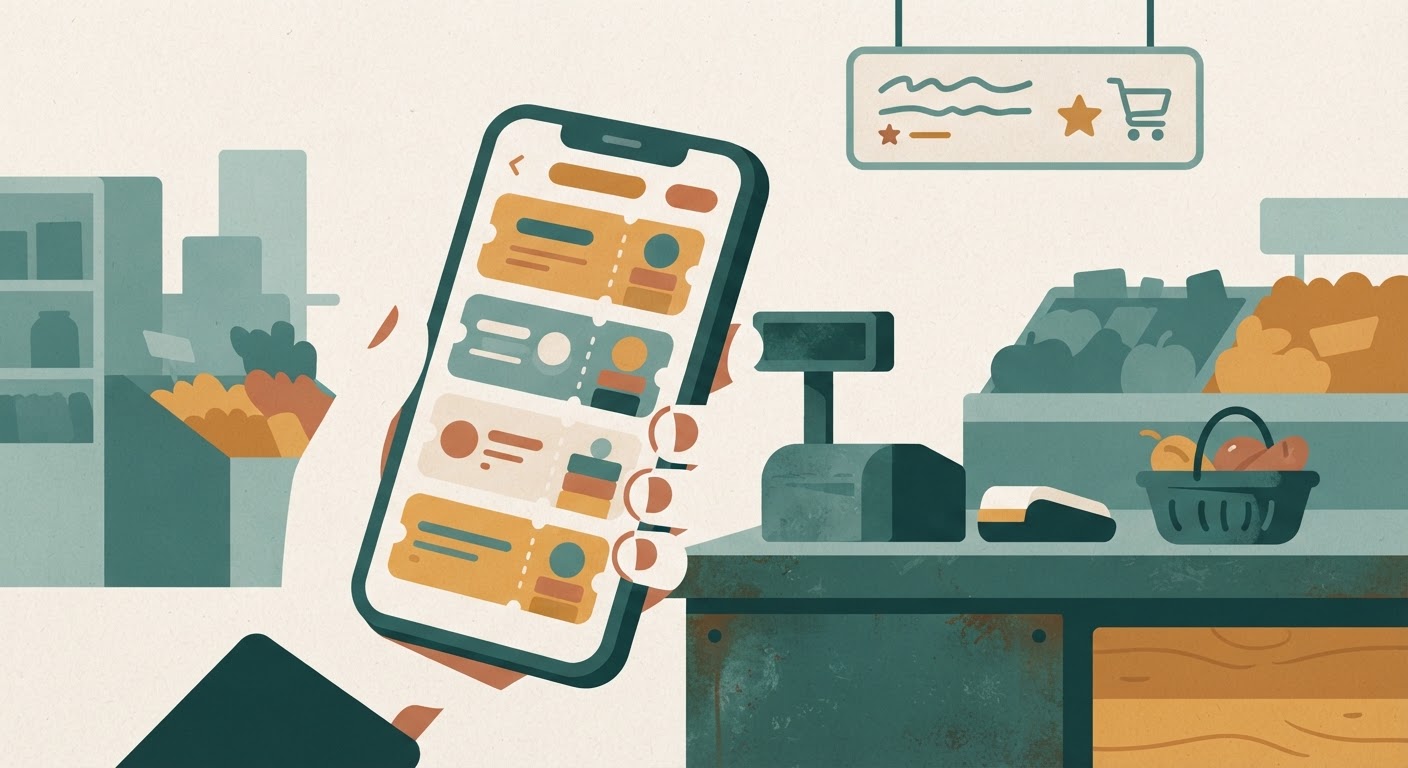
Every grocery store now wants you to download something. Scan this, clip that, link your phone number, check the app before you check out. It’s a lot, and most people end up with six loyalty apps sitting on their home screen, half of them never opened after the first week. That’s a shame, because a small handful of these apps actually do save real money month after month — you just have to be able to tell them apart from the ones that are mostly digital busywork.
Here’s how to sort the keepers from the clutter, and how to run two or three of them without it turning into a part-time job.
What makes a loyalty app actually worth downloading
Before you add another icon to your phone, it helps to know what you’re actually looking for. A good loyalty app should save you money in a way that’s automatic, predictable, and doesn’t cost you time you didn’t plan to spend. That’s it. Everything else — badges, points you can never quite redeem, “surprise” bonus offers — is decoration.
A few traits separate the apps worth keeping from the ones you’ll delete in a month:
- Discounts apply automatically at checkout. If you have to remember to “activate” ten different coupons before you shop, the app is working against you, not for you.
- The savings show up on your receipt, not in vague points. You want to see a dollar amount knocked off your total, not a promise of future value that requires you to keep shopping there to ever cash in.
- It works with how you already shop. If you shop at three different stores depending on what’s on sale, an app tied to one store only helps you a third of the time.
- There’s no minimum spend or expiration trap. Some apps offer a good discount but only if you spend more than you would have anyway, or the offer disappears if you don’t use it within 48 hours. That’s not a discount, that’s a nudge to overspend.
The best test is simple: after a month of using it, look at your receipts. Did the app save you money you would not have saved otherwise? If the answer is a clear yes, keep it. If you have to squint and do math to convince yourself it helped, it probably didn’t.
Apps that stack well with sale prices
The loyalty apps that earn a permanent spot on your phone are the ones that layer on top of sale prices instead of competing with them. In other words, you get the store’s regular weekly discount and then the app knocks off a bit more — rather than the app’s “deal” just being a repackaged version of a sale that was already happening.
A few patterns to look for that tend to indicate a genuinely stackable app:
- Store-brand loyalty programs tied to your card or phone number. These are usually the simplest and most reliable. You link your account once, and every eligible sale price and personalized coupon applies automatically when you check out. No clipping, no scanning receipts, no waiting for points to convert into something usable.
- Digital coupon sections inside a store’s main app. Many grocery chains now bury a “coupons” or “deals” tab inside their regular app. These often combine with the store’s weekly sale prices, so a discounted item gets a second markdown on top. It takes thirty seconds to scroll through and tap the handful of things you actually buy — cereal, coffee, diapers, whatever’s relevant to your household.
- Receipt-scanning apps that pay cash back on specific items. These are a little more work, since you have to submit a photo of your receipt after shopping, but if you’re already buying the qualifying items, this is money that stacks on top of whatever price you paid, sale or not. The key is only bothering with offers on things you were already going to buy — never let one of these apps talk you into a new product just for the cash back.
- Gas-and-groceries loyalty programs. If your grocery store also sells gas, and you drive regularly, the per-gallon discount you earn from grocery purchases can add up to a meaningful amount over a month, especially if the household has more than one vehicle to fill.
The common thread with all of these is that they don’t require you to change your shopping list. You keep buying what your family actually eats and uses, and the app quietly shaves a little off the total. That’s the whole point — savings that don’t cost you decision-making energy.
A quick way to test a new app before committing to it
When a new loyalty app catches your eye, give it one real trial run before deciding whether it earns a permanent spot. Use it for two shopping trips. Compare what you paid with the app to what the shelf tag or regular sale price would have been without it. If the difference is noticeable and it took you less than a couple of minutes of extra effort, it passes. If you spent more time than the discount was worth, or the savings turned out to be marginal, uninstall it and move on without guilt.
Signs an app is more hassle than it’s worth
Not every app is a good use of your attention, and it’s worth being honest about which ones fall into that category, because attention is a limited resource too. A few warning signs that a loyalty app is costing you more in time and frustration than it’s giving back:
- You have to “clip” each individual coupon before shopping. If the app requires you to browse a list and tap dozens of tiny boxes before every trip, and you forget half the time, the real discount you’re getting is much smaller than advertised. Time spent clipping coupons for items you don’t buy is time you’ll never get back.
- The rewards take a long time to add up to anything usable. Some point systems require so much spending before you can redeem anything that the “reward” is really just a distant hypothetical. If you can’t picture actually cashing it in within a reasonable stretch of normal shopping, it’s not doing much for your budget today.
- It pushes notifications more than it delivers savings. An app that pings you constantly with “limited time offers” is often trying to get you to buy something you weren’t planning on, not trying to make your regular grocery run cheaper. That’s marketing wearing a loyalty-program costume.
- The best deals require a specific size, brand, or store location. If the discount only works on the giant size when your family needs the medium, or only at a store fifteen minutes further than the one you use, the “savings” aren’t really available to you in practice.
- You need a separate app for every single store. If you find yourself with five apps because you occasionally shop at five different stores, but you only actually shop regularly at two of them, delete the other three. An app you open once every couple of months isn’t a savings tool, it’s just clutter with a login.
None of this means these apps are scams — plenty of people find some value in them. But if your goal is steady, repeatable savings without extra mental overhead, an app that demands constant tending usually isn’t earning its place on your phone.
A simple routine for using two or three apps without confusion
The sweet spot for most households is two to three loyalty apps, tied to the stores you actually visit on a regular basis. More than that, and you’ll lose track of what’s linked where, forget which coupons you clipped, and end up spending more mental energy managing apps than you’re saving in dollars. Here’s a routine that keeps it simple:
- Pick your primary store and set up its loyalty program fully. Link it to your phone number so discounts apply automatically without you having to open the app at all. This should be the store where you do the bulk of your shopping.
- Add one backup app for a second store you visit for sales or specific items. Maybe it’s the store with better produce prices, or the one where a particular brand your kids like goes on sale. Keep this one lean — just enough to catch the deals that matter to your list.
- Set a five-minute checkpoint before each shopping trip. Right before you head out, open the app(s) for wherever you’re headed and scan the deals tab for items on your actual list. Don’t browse the whole app looking for bargains on things you don’t need — that’s how “saving money” turns into spending more.
- Keep your shopping list first, deals second. Write your list based on what your household needs, then check it against what’s discounted. Never let the app write your list for you. The moment you’re buying something because it’s on sale rather than because you needed it, the app has cost you money instead of saved it.
- Do a monthly check-in. Once a month, glance back at whether each app is still pulling its weight. Did it save you a noticeable amount over the past few weeks? Did you actually open it, or did it just sit there? If an app hasn’t been useful in a month, it’s not going to suddenly become useful next month. Delete it and simplify.
The goal isn’t to squeeze the maximum theoretical discount out of every possible app on the market. It’s to build a routine light enough that you’ll actually stick with it, week after week, without it feeling like homework. Two apps you use consistently will save you more over a year than six apps you mostly ignore.
If you want to sanity-check how much a particular app is really saving you, keep a running note on your phone for a month — just jot the discount amount each time you use one. Seeing the real number, rather than guessing, makes it much easier to decide which apps deserve permanent real estate on your home screen and which ones can go.